[BACKND Tips!] Creating ‘Daily Login Rewards’ Feature with BACKND
![[BACKND Tips!] Creating ‘Daily Login Rewards’ Feature with BACKND](/content/images/size/w1200/2024/10/-----2024-10-23-172216.png)
Written by Brand Pixie Mini, 29 October 2024
Today, we’ve prepared a guide on how developers can use BACKND to create an “Daily Login Rewards” feature, so you can make the most of BACKND’s functionality.
Frankly speaking😢 BACKND does not directly provide an ‘Daily Login Rewards’ feature. However, by leveraging BACKND BASE’s ①Game Information Management and ②Chart Management features, developers can create and operate the ‘Daily Login Rewards’ feature they desire.
Shall we proceed to create an understandable ‘Daily Login Rewards’ feature together? 💨
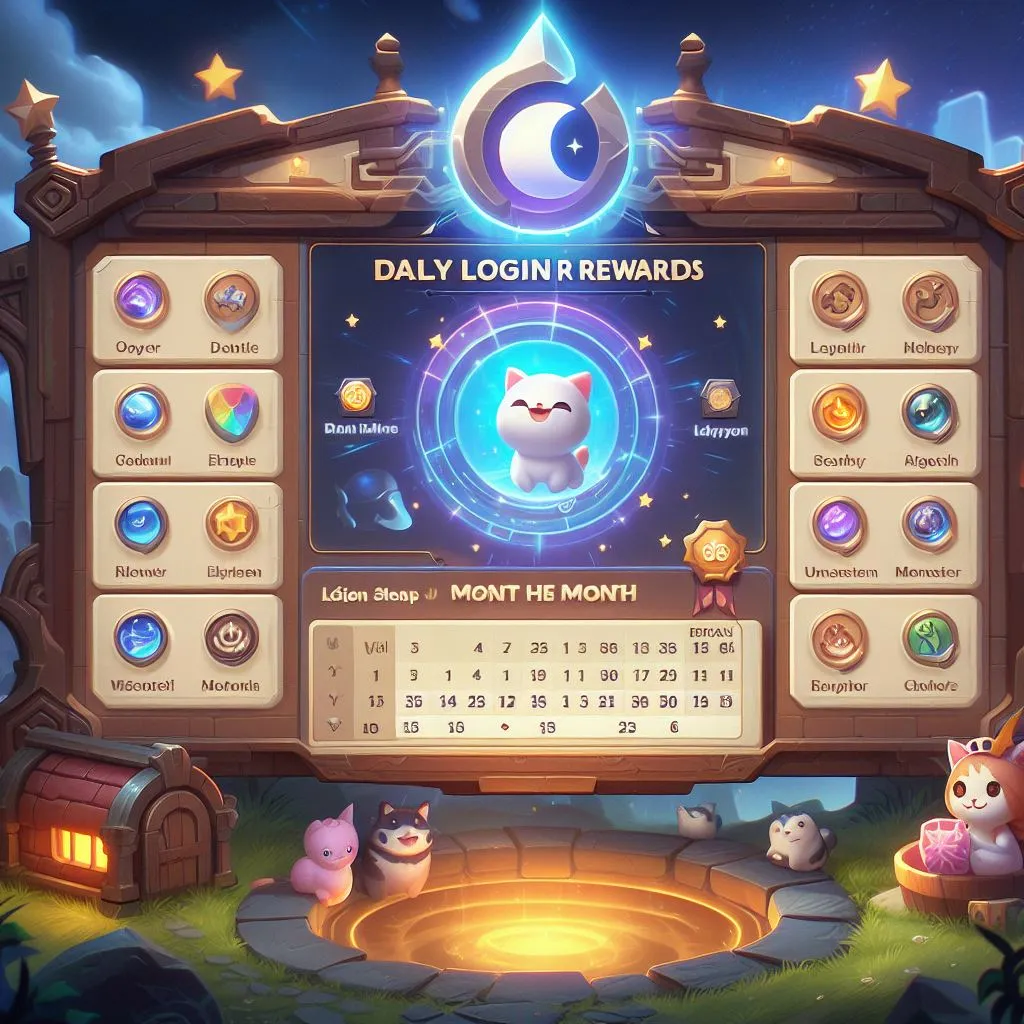
1. Plan ‘Daily Login Rewards’ and Create a Reward Chart
Firstly, you need to plan what daily login rewards you want to provide the players on a daily basis. Plan according to your game, and then create a chart based on that plan.
For this chart, you only need to add the ID value of the item to be given as a reward. You can use this ID to retrieve the in-game icon image and get information from the item chart.
Daily Login Rewards Chart
day itemId num
1 item_potion_0 10
2 item_jual_0 100
…
By using the item ID, you can look up the in-game icon image and retrieve information from the item chart. Therefore, you only need to input minimal information into the chart, such as shown in the example above.
Once you’ve created this chart, upload it to the BACKND console under [BACKND Chart], and you’re done with step the 1st step! 🎉
BACKND BASE [Chart Management] Feature > View Documentation
2. Create Daily login Check Data
Once you’ve set up the Daily Login Rewards, the next step is to design a system that can confirm whether a game player has logged in or not.
To check if a game player attended, you need to add a column for daily login check in the game player(user) information table, which is currently in operation.
[Example Case]
To check how many times a game player attended this month, you save data in the form of a boolean array in this column (true if attended, false if not). — Here, the meaning of “attend” is the first login for after the reset of the server for that day.
- The
user_infotable has anattendanceCheckcolumn, which contains a boolean array. - The
user_infotable has alastLogincolumn, which stores the user's last login date. - When a user logs in, the
user_infotable is queried, and both theattendanceCheckandlastLogincolumns are updated together.
a. If the ‘Months’ for the last login date and today’s date are different
This is the case if the user logs in for the first time this month.
Initialize the attendance information and mark the attendance for today.
b. If the ‘month’ and ‘day’ are the same for the last login date and today’s date
The attendance is already marked for today.
c. If the ‘month’ is the same but the ‘day’ is different for the last login date and today’s date
The case that the user did not attend on that day (here, today’s date).
Mark attendance for today.
By designing the logic in three ways, you complete the 2nd step! 🎉
BACKND BASE [Game Information Management] Feature > View Documentation
Appendix) Daily Login Check Client Logic
Here’s an appendix for our BACKND developers. When writing logic for a, b, and c in the step2, please refer to the code below.
- The logic uses an undefined schema table for reference.
- It’s a simple reference code, excluding chart queries. Copy-pasting this code as is won’t work; you need to adapt it according to your game logic.
Feel free to use the following code as a reference to create a logic that suits your game 😊
// Assume that the server time is used to determine if attendance is possible.
// Pass the BackendReturnObject returned as a result of getting the user_info table as an argument.
// Pass today’s date as an argument (convert server time to DateTime).
void AttendanceCheck(BackendReturnObject bro, DateTime nowDay)
{
if (bro.IsSuccess() == false)
{
// Return if the request to the server fails.
// Display UI for communication failure with the server.
return;
}
// Save user_info in memory.
// Use Flatten function to remove datatype indices.
var userInfo = BackendReturnObject.Flatten(bro.Rows())[0];
// Retrieve attendance information.
var attendanceCheck = userInfo[“attendanceCheck”];
var lastLogin = userInfo[“lastLogin”].ToString();
var lastLoginDate = DateTime.Parse(lastLogin);
// Calculate the total number of days in this month.
var monthLength = DateTime.DaysInMonth(nowDay.Year, nowDay.Month);
// Declare the attendance information to be stored on the server in advance.
Param check = new Param();
// If ‘Month’ of today’s date and ‘Month’ of the last login date are different
// Attendance information needs to be initialized.
if (nowDay.Month != lastLoginDate.Month)
{
// Create empty attendance information.
bool[] checkDate = new bool[monthLength];
// Initialize all data in the array to false.
checkDate.Initialize();
// Create attendance information for today.
checkDate[nowDay.Day — 1] = true;
// Update attendance information.
check.Add(“attendanceCheck”, checkDate);
}
// If ‘Month’ of today’s date is the same and
// ‘Day’ of today’s date and ‘Day’ of the last login date are the same
// The attendance has already been marked for today.
else if (nowDay.Day == lastLoginDate.Day)
{
// Return as attendance has already been marked.
return;
}
// If ‘Month’ of today’s date is the same and
// ‘Day’ of today’s date is different from the ‘Day’ of the last login date
// Attendance needs to be marked for today.
else
{
// Assuming that the last login date and attendance information are always updated together,
// the length of attendanceCheck and monthLength is the same.
attendanceCheck[nowDay.Day — 1] = true;
// Add updated data to attendance information.
check.Add(“attendanceCheck”, attendanceCheck);
}
// Update the last login date to today.
check.Add(“lastLogin”, nowDay.ToString(“yyyy-MM-ddTHH:mm:ss.FFFZ”));
// Retrieve the item ID to be given as a reward from the attendance check reward chart.
var attendanceCheckItemId = attendanceChart[nowDay.Day — 1][“itemId”];
// Retrieve item information based on the item ID.
var attendanceCheckItem = itemChart[attendanceCheckItemId];
// Create Param value to update on the server based on attendanceCheckItem.
Param itemData = new Param();
// .. Add item data
TransactionParam transaction = new TransactionParam();
transaction.AddUpdate(“user_info”, “user_info inDate”, check);
transaction.AddInsert(“inventory”, “inventory inDate”, itemData);
// Send requests for updating user_info and inserting inventory through a transaction.
var result = Backend.GameInfo.TransactionWrite(transaction);
if (result.IsSuccess() == false)
{
// Handle request failure.
return;
}
// Handle request success.
return;
}
Until now, this was the BACKND development team’s “Creating ‘Daily Login Rewards’ Feature with BACKND” guide. Hope everyone is following along.
Many games use ‘Daily Login Rewards’ events to increase early stage of retention and maintain customer loyalty. Typically, the rewards become more significant as users continue to log in, encouraging them to stay connected to the game.
By utilizing the features introduced today in BACKND Medium, you can implement the ‘Daily Login Rewards’ feature in your game.
BACKND ‘Daily Login Rewards’ Feature, CLEAR! 🎉

© 2024 AFI, INC. All Rights Reserved. All Pictures cannot be copied without permission.
![[External Essay] Gamescom 2025 Interactions](/content/images/size/w600/2025/09/------1.png)